
Download AnkerCAD – 3D construction, block building, creative design, 3D modeling, virtual blocks
Overview
AnkerCAD is a mobile application designed for users who enjoy creative construction and 3D visualization through digital block building. Developed by AnkerSoft, the app provides a platform where imagination and spatial reasoning meet in a virtual environment. It serves as both a recreational tool and a utility for early-stage 3D design exploration, particularly useful for users interested in graphic design, architectural prototyping, or casual creativity. The app’s core function revolves around assembling and modifying structures using a wide variety of colorful virtual blocks, allowing for unrestricted experimentation in a digital space.
Target users include students, hobbyists, and creative professionals seeking a lightweight, accessible way to visualize 3D concepts without the complexity of full-fledged CAD software. While the developer did not provide additional technical details about the app’s development history or broader product ecosystem, the long-standing presence of AnkerCAD since its release on November 24, 2010, suggests a stable and enduring design. Its utility extends beyond entertainment, offering real-world applications in brainstorming design ideas, teaching spatial awareness, or serving as a preliminary sketching tool for visual projects. In the mobile app landscape, AnkerCAD occupies a niche space that bridges play and practical design, making it a unique entry in the productivity category.
Key Features & Functionality
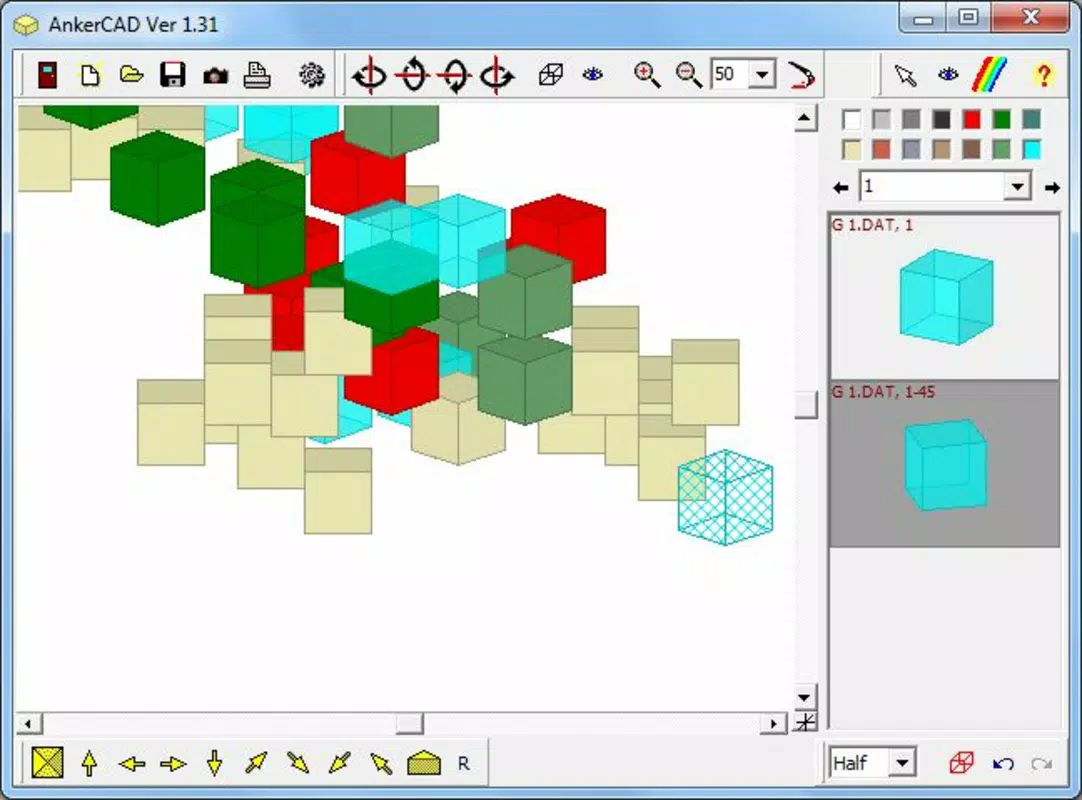
- Unlimited Block Variety: Users can access a broad range of virtual blocks in multiple colors, enabling unrestricted creative expression. The absence of resource limitations allows for continuous building and modification, fostering a sense of freedom and experimentation.
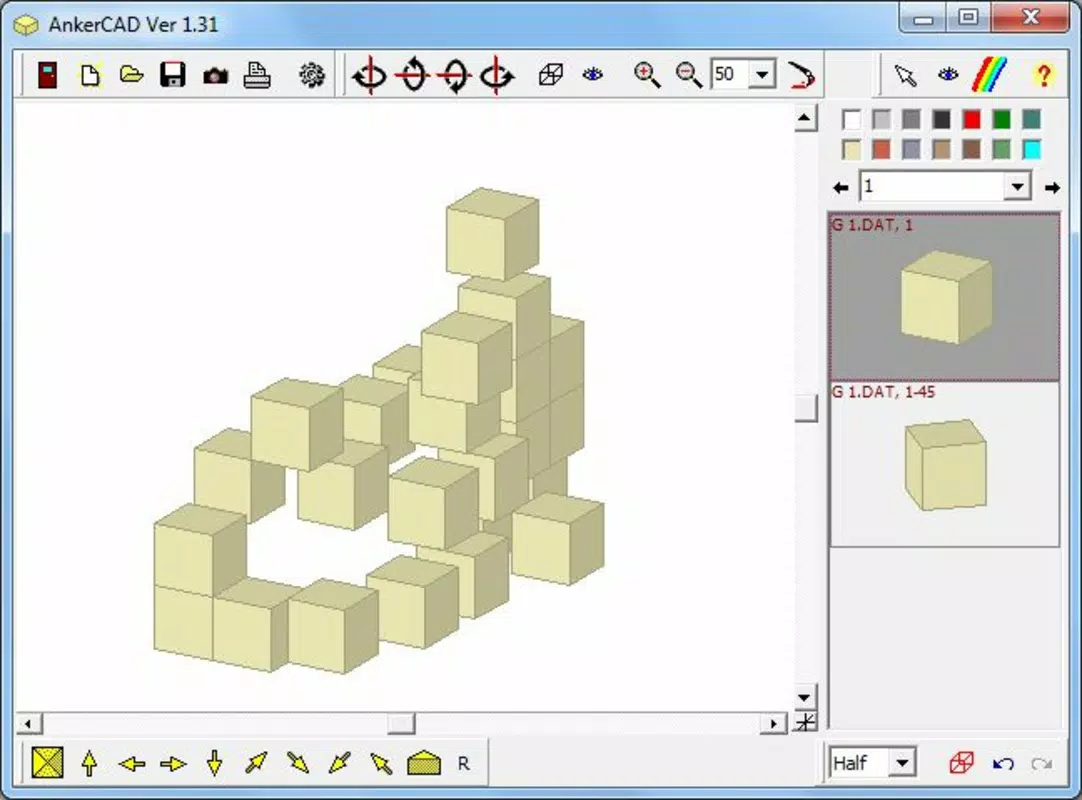
- 3D Rotation Capabilities: The app supports full 3D rotation, allowing users to view their constructions from any angle. This feature enhances spatial understanding and enables real-time evaluation of design balance, symmetry, and structural integrity.
- User-Friendly Interface: Designed with simplicity in mind, the interface features intuitive controls that minimize the learning curve. Even users with no prior experience in 3D modeling can begin building immediately, promoting accessibility and inclusivity.
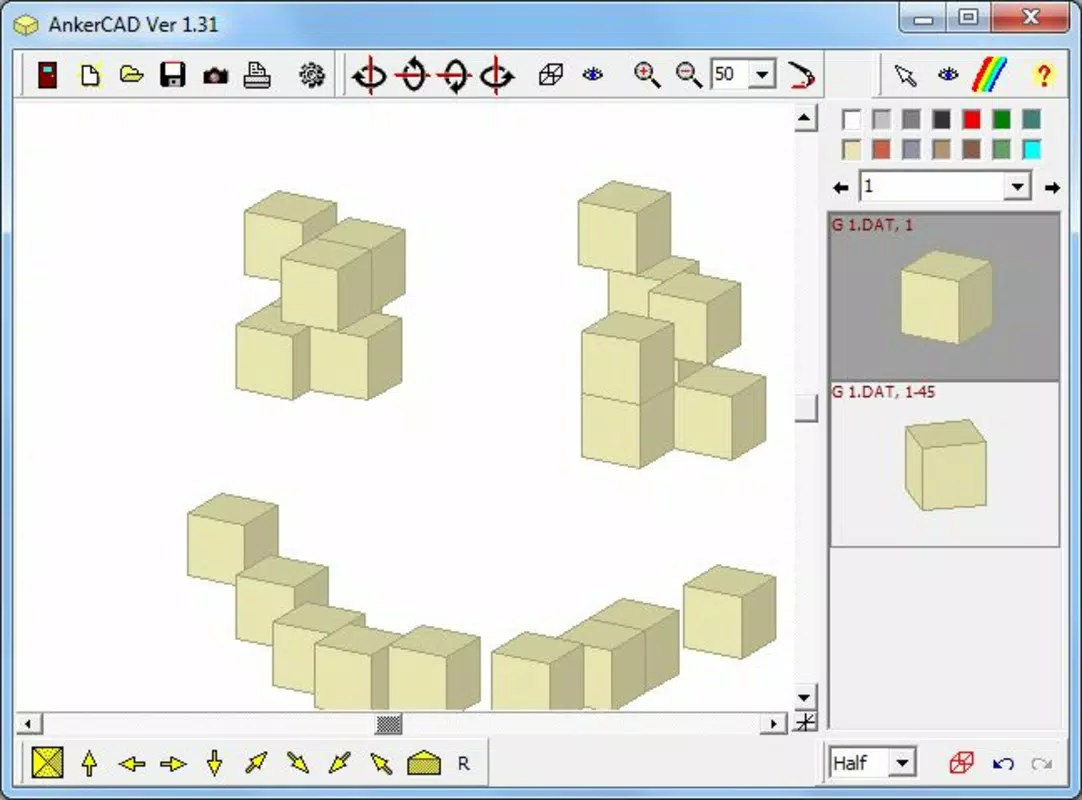
- Graphic Design Utility: Beyond entertainment, AnkerCAD functions as a tool for visualizing design concepts. It can support early-stage ideation for graphic design, prototyping, or educational projects by providing a tactile, visual representation of abstract ideas.
For example, a student studying architecture might use AnkerCAD to draft a rough model of a building before moving to more advanced software. A designer could prototype a product shape using block forms to explore proportions and aesthetics. The app’s flexibility makes it suitable for iterative thinking and rapid concept development, even on mobile devices with limited processing power.
Interface, UX & Performance
AnkerCAD features a clean, minimalist interface focused on core functionality: block selection, placement, and rotation. The layout prioritizes accessibility, with tools and options arranged in a logical, uncluttered manner. Navigation is straightforward, relying on touch-based interactions that respond predictably to user input. The app’s controls are designed to be intuitive, minimizing the need for onboarding or tutorials.
Although the developer did not list formal performance metrics, the app’s file size of 12.5 MB suggests it is optimized for efficiency and lightweight operation. It is likely to run smoothly on a wide range of Android devices, including older models. The responsiveness of the 3D rotation feature indicates that the app handles real-time rendering effectively, even on lower-end hardware. Stability appears to be consistent, given the app’s long availability without reported issues. Users can expect minimal lag during basic building tasks, though complex structures may vary in performance depending on device capabilities.
Platform Compatibility & Technical Requirements
AnkerCAD is available exclusively on the Android platform. The app’s current version is 1.1, and it requires a device running an Android operating system. The file size is 12.5 MB, which indicates a compact, lightweight installation. The developer did not specify minimum OS requirements or hardware specifications, so compatibility with specific Android versions or device types cannot be confirmed. However, the small size and long release history suggest broad compatibility across various Android devices, including entry-level smartphones and tablets.
Pros and Cons
Pros
- Free to download and use, making it accessible to a wide audience.
- Lightweight design with a small file size of 12.5 MB.
- Intuitive interface suitable for users of all skill levels.
- Supports 3D rotation for comprehensive design evaluation.
- Offers creative freedom with unlimited block variety and modification options.
Cons
- Specific technical requirements were not listed by the developer.
- Limited information on advanced features or export options.
- Only available on Android, with no indication of iOS support.
- Performance on high-end devices may not be optimized beyond basic functionality.
- No mention of cloud sync, project saving, or sharing capabilities.
FAQ
Is AnkerCAD free to download and use?
Yes, AnkerCAD is available at no cost. The app does not require a subscription or in-app purchases to access its core features.
Can I use AnkerCAD on iOS devices?
The app is currently only available on Android. There is no official information about an iOS version.
Does AnkerCAD support saving or exporting projects?
The developer did not disclose details about project saving, exporting, or sharing functionality.
Is AnkerCAD suitable for educational use?
Yes, its intuitive design and 3D visualization tools make it a practical resource for teaching spatial reasoning, design concepts, and creative thinking in educational environments.
How often is AnkerCAD updated?
The app’s last release was on November 24, 2010. The developer has not provided information on future update schedules.
Final Thoughts + CTA
AnkerCAD stands out as a remarkably simple yet effective tool for 3D block building and creative visualization. Its lightweight design, intuitive interface, and 3D rotation capabilities make it a valuable asset for users seeking a low-barrier entry into digital design. While it lacks modern features like project export or cloud sync, its core functionality remains relevant for brainstorming, prototyping, and creative play.
The app’s long-standing presence in the Android ecosystem speaks to its reliability and enduring appeal. For students, educators, and hobbyists looking for a free, accessible way to explore 3D construction, AnkerCAD delivers real value. Its niche focus on imaginative building and early-stage design makes it a unique addition to the productivity category.
Download AnkerCAD now


